
Understanding Email Body Size Limits and Avoiding Email Truncation
3 min read
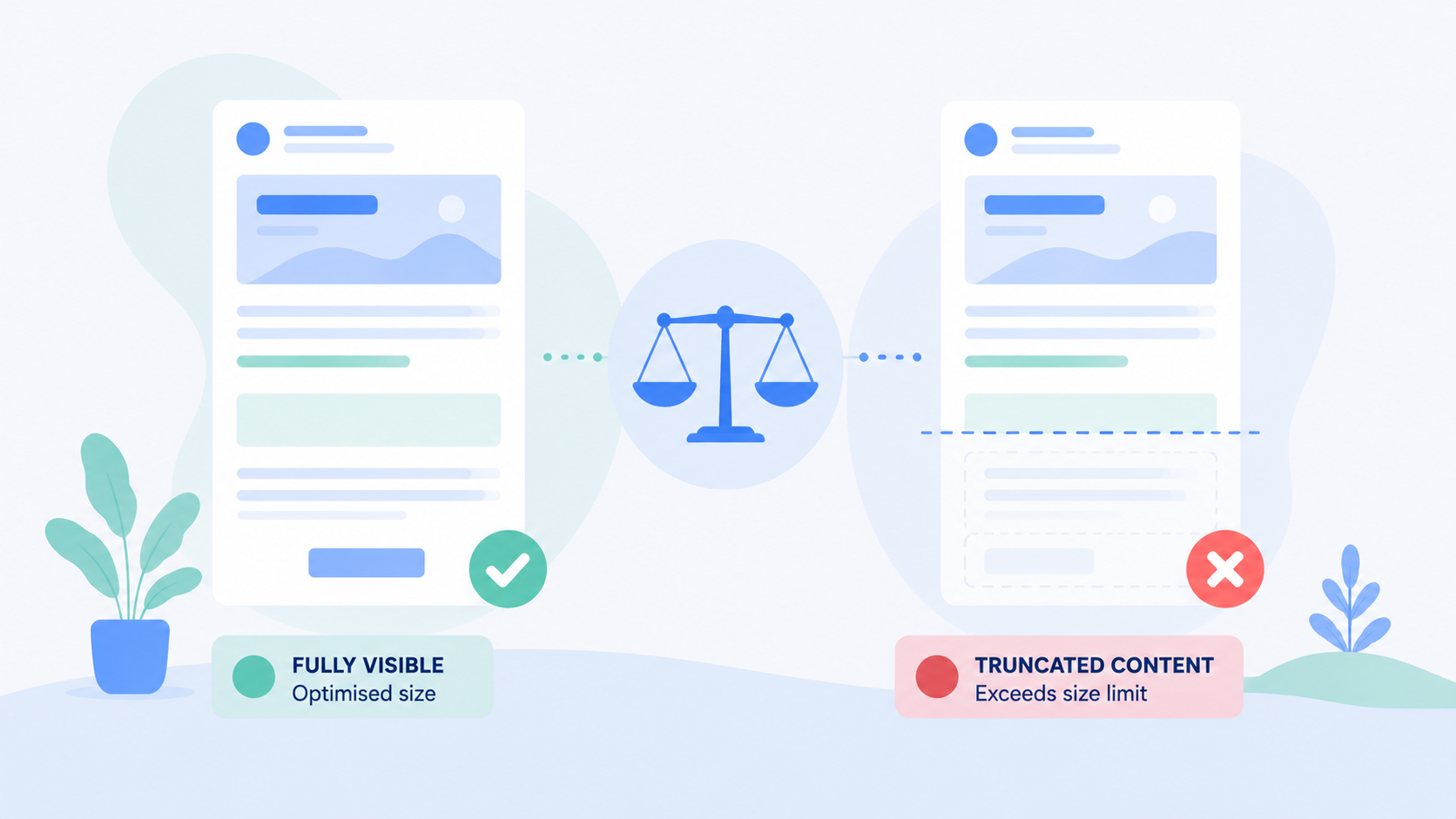
When sending emails through BulkMail, it's important to ensure your message is fully visible to recipients across different email clients. Some platforms — especially Gmail — may clip or truncate emails that exceed a certain size, reducing the impact of your message and hiding key content.
Why Do Emails Get Clipped?
- Gmail, in particular, clips emails that exceed approximately 102 KB in total size.
- This limit is not a strict cap but rather a display threshold — larger emails may still be delivered, but the user may need to click ‘View entire message’ to read the full content.
- Truncation can affect readability, engagement, and even tracking if links or footers are cut off.
What Contributes to Email Size?
The 102 KB limit is calculated using the full structure of the email, including:
- HTML body: All text, formatting, styles, and inline code
- Headers: Metadata such as sender info, subject line, and routing information
- Embedded elements: Images, stylesheets, tracking codes
- Attachments (though these are typically handled separately by most systems)
Important:
The size limit does not apply solely to the visible content. Even hidden formatting, inline CSS, or unnecessary white space can increase the total size.
Technical Overview
- SMTP protocol (used for sending emails) does not impose a strict body size limit.
Email size limits are defined by:
- Email client behaviour (e.g. Gmail, Outlook, Apple Mail)
- Mail servers and gateways (including MTAs in transit)
- Gmail’s clipping at 102 KB is a visual truncation, not a delivery failure.
Best Practices to Avoid Email Truncation
Keep It Concise
- Focus on your core message. Avoid overly long introductions or excessive detail.
- Structure content with headings, short paragraphs, and bullet points for clarity.
Reduce Code Bloat
- Avoid excessive inline CSS and unnecessary HTML tags.
- Remove unused code fragments left behind by copy-paste or template editing.
Optimise Images and Assets
- Do not embed large images directly in the email.
- Host images externally and link to them using
<img src="">.
Avoid Overloaded Templates
- Refrain from stacking too many content blocks, nested tables, or dynamic elements.
- Simplify your layout to ensure cleaner rendering and faster load times.
Use External Links for Deep Content
- If you have long reports, full blog posts, or product catalogues, include a teaser with a ‘Read More’ or ‘View Online’ link.
- This reduces body size and improves tracking of engagement.
Key Takeaways
- 102 KB is the practical email size limit for full visibility in Gmail.
- This includes all parts of the email, not just the text content.
- There is no universal cut-off, so always test your emails across major clients.
- Use concise content, clean code, and external links to keep emails lightweight.
By following these tips, you can ensure your emails appear in full, drive better engagement, and maintain a professional user experience across all major platforms.