
How to Delete or Hide an Email List
Managing your email lists effectively is key to maintaining an organised, compliant and user-friendly BulkMail environment. Whether you're cleaning up unused data or simply want to declutter your dashboard, this guide will help you choose between deleting or hiding an email list.
1. Removing or Hiding an Unused Email List
If you’ve created an email list that hasn’t been used in a campaign and you no longer need it, you can either delete it permanently or hide it from view.
Steps to Remove or Hide:
- Navigate to the ‘Email Lists’ section in your BulkMail account.
- Locate the list you’d like to manage.
- Click on the ‘Options’ button next to the list name.
Choose:
Remove– Permanently deletes the list from your account.Hide– Temporarily removes the list from your main view but keeps the data stored securely.
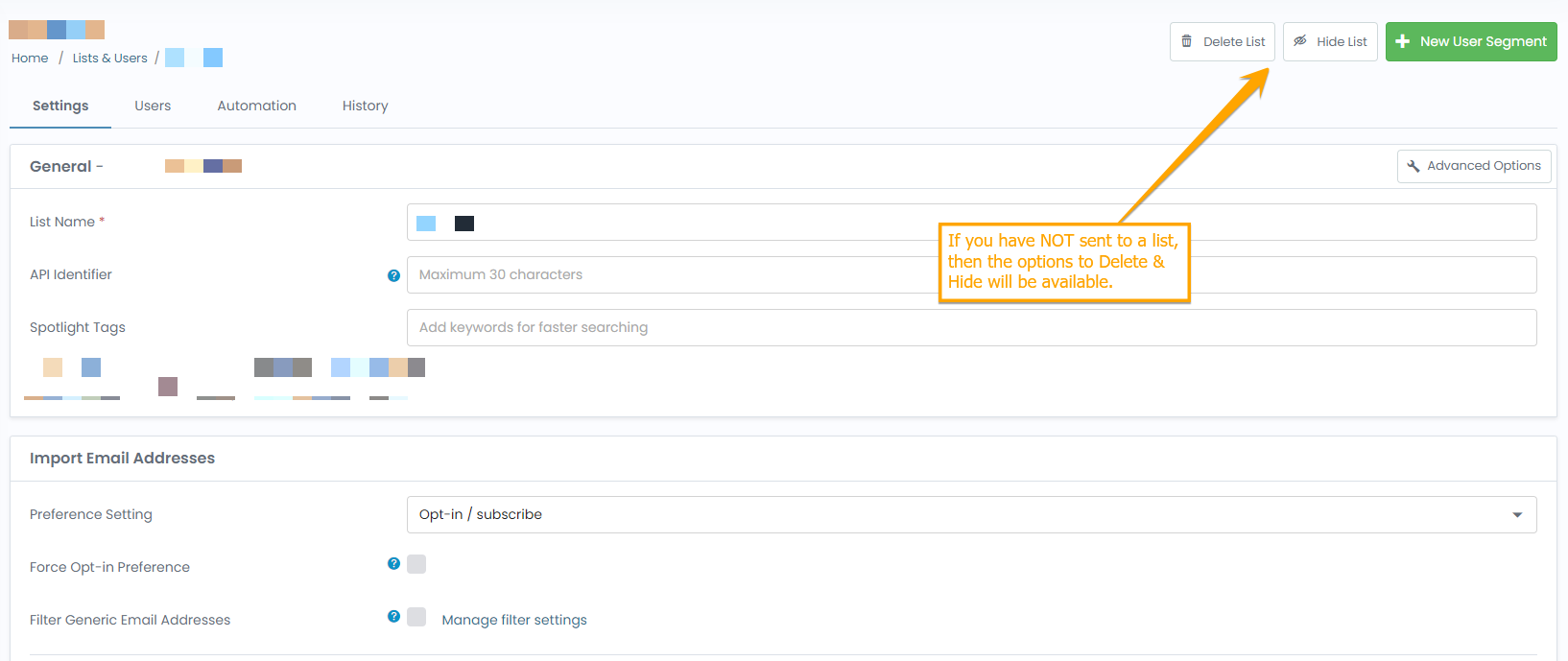
Note: Removing a list is permanent and cannot be undone. If you think you might need the list again later, it’s safer to use the Hide option.
2. Hiding a Previously Used Email List
If you have an email list that has already been used in a campaign but you don’t need to see it daily, you can hide it while keeping all data and send history intact.
Steps to Hide a Used List
- Go to the ‘Email Lists’ section.
- Locate the list you want to hide.
- Click the ‘Options’ button next to the list name.
- Select
Hide.
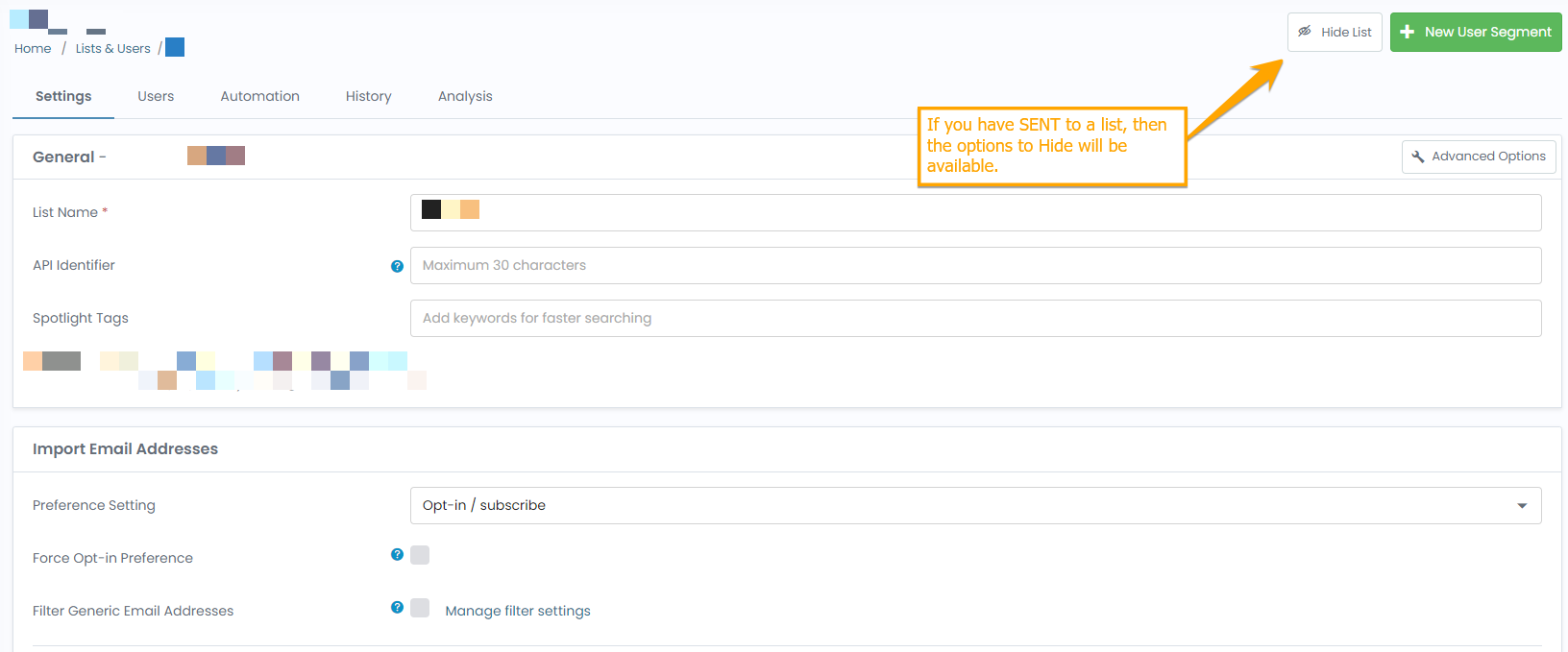
The list will no longer appear in your main list view but remains available in the system.
How to Find or Unhide a Hidden Email List
Need to restore a hidden list?
- Go to ‘Email Lists’.
- Click
FilterorShow additional filters. - Select the
Hiddenoption. - Once the hidden lists appear, click ‘Options’ next to the one you want to bring back.
- Choose
Unhide.
Best Practice Tip
Use Hide for seasonal, paused, or backup lists. Use Remove only when you’re sure the list is no longer needed and has no historical or compliance value.
If you're unsure, always lean towards hiding to prevent accidental data loss.
Let us know if you’d like help identifying which lists can be archived safely or how to use hidden lists in segmentation.