
Google and Yahoo Announce New Requirements for Bulk Email Senders
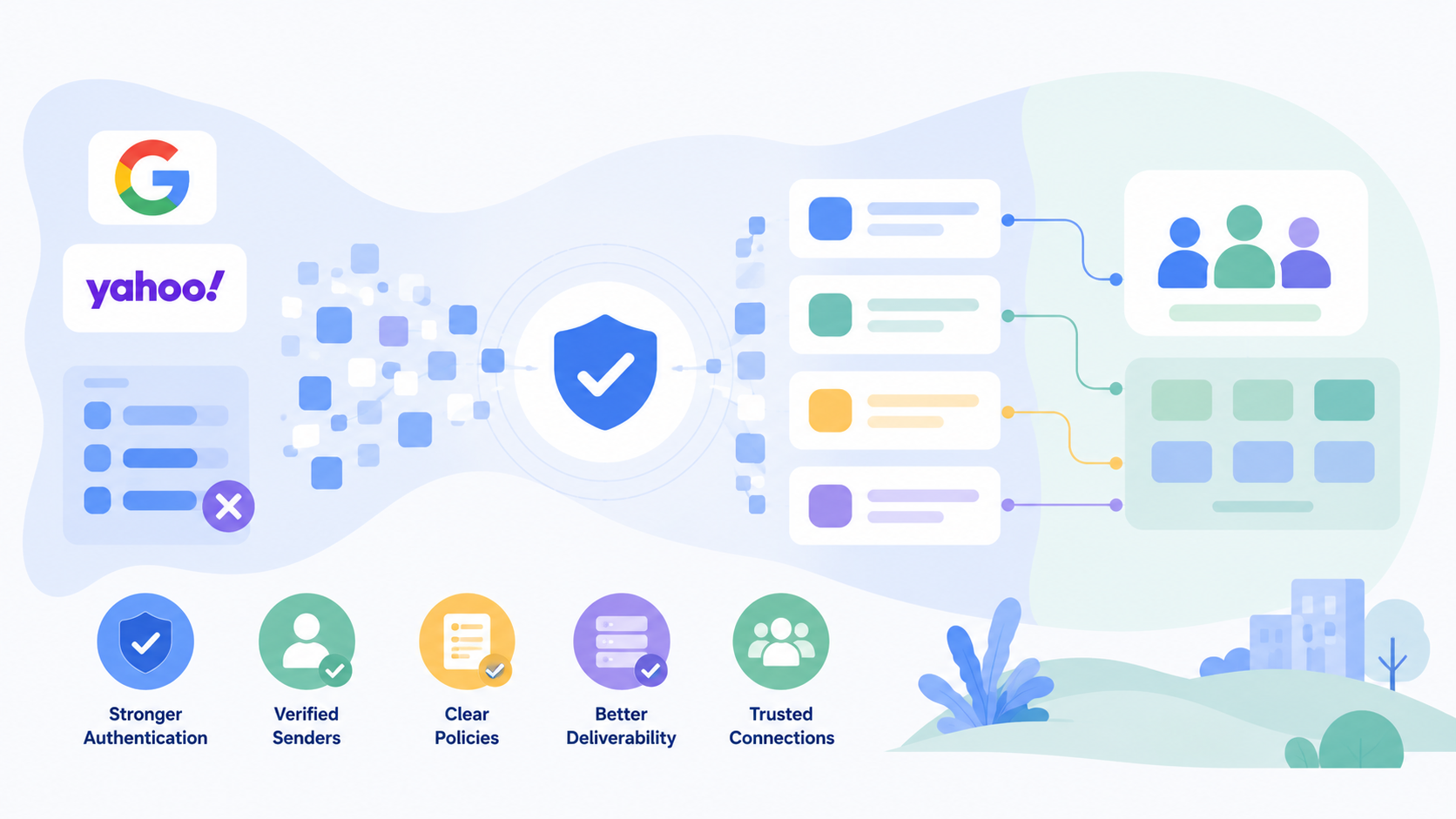
Google and Yahoo Announce New Requirements for Bulk Email Senders
As of February 2024, Google and Yahoo have begun enforcing new email authentication standards aimed at reducing spam and improving inbox security. These updates affect anyone sending more than 5,000 emails per day to Gmail or Yahoo addresses — including many South African SMEs using bulk email platforms like BulkMail.
These changes aren’t just technical hurdles — they are essential to ensure your emails reach your audience's inbox and are not rejected or marked as spam.
Who Is Affected?
- Google: Any domain sending 5,000+ emails per day to Gmail recipients.
- Yahoo: Has not specified a threshold, but is expected to align with Google's limits.
- BulkMail users: While many of the requirements are already in place, it’s important to double-check your domain configuration, especially if you're managing your own DNS.
What Are the New Requirements?
All senders must comply with the following:
1. Implement Both SPF and DKIM
- SPF (Sender Policy Framework) verifies the authorised IPs allowed to send on behalf of your domain.
- DKIM (DomainKeys Identified Mail) ensures that the email content hasn’t been tampered with in transit.
- These must be properly configured on your domain’s DNS records.
2. Align Your “From” Domain
- Your “From” address domain must match (align with) the domains used in either the SPF or DKIM authentication.
- This is essential to show that the sender is legitimate and authorised.
3. Valid Forward and Reverse DNS (FCrDNS)
The IP address you use to send must:
- Have a valid forward DNS (hostname → IP address)
- And a reverse DNS (IP address → hostname)
- This prevents blacklisting and boosts email legitimacy.
4. Enable One-Click Unsubscribe (RFC 8058)
- Your emails must support a simple unsubscribe mechanism visible and functional in one click.
- This must be implemented using standard list-unsubscribe headers.
5. Publish a DMARC Policy (Minimum: p=none)
- DMARC (Domain-based Message Authentication, Reporting and Conformance) is now mandatory.
- At minimum, your domain must have a policy of
p=none, althoughp=quarantineorp=rejectare stronger. - A DMARC record tells receiving servers how to handle emails that fail SPF/DKIM checks and enables reporting.
6. Maintain a Spam Complaint Rate Below 0.3%
- If more than 0.3% of recipients mark your emails as spam, delivery may be blocked.
- This requires good list hygiene and relevant, permission-based marketing content.
How This Affects BulkMail Users
Most of these requirements are already handled within the BulkMail infrastructure:
- SPF, DKIM, and valid DNS setups are standard for all sending IPs.
- Unsubscribe headers and spam monitoring are built into the platform.
The only parts needing your input:
- Publishing a DMARC record on your domain
- Maintaining low complaint rates through good sending practices
How to Set Up a DMARC Record
Setting up DMARC is straightforward:
- Use a DMARC record generator to create the DNS TXT entry.
- Add it to your domain via your DNS provider (e.g. GoDaddy, xneelo, Afrihost).
Example record:
Host/Name: _dmarc.yourdomain.co.za
Type: TXT
Value: v=DMARC1; p=none; rua=mailto:dmarc-reports@yourdomain.co.za
You can increase enforcement over time (e.g. p=quarantine or p=reject) once you're confident that legitimate mail is passing.
Not Sure If You Have DMARC?
To check if your domain already has a DMARC record:
- Use a DMARC checker tool online.
- Simply enter your domain name to verify if a policy is published.
Why This Matters
- These new standards are not optional — failure to comply will result in email rejections or spam filtering.
Implementing them improves:
- Inbox placement
- Email trustworthiness
- Long-term domain reputation
Final Advice for SA Senders
- POPIA compliance and sender authentication now go hand in hand.
- Clean lists, clear opt-ins, and authenticated domains are no longer optional — they’re the baseline.
- If you need assistance implementing SPF, DKIM, or DMARC, our support team can guide you step-by-step.
By meeting these requirements now, you future-proof your campaigns and ensure reliable delivery to Gmail and Yahoo inboxes — which together make up a large portion of South African consumer and business addresses.