
Email Blacklisting and Shared Hosting
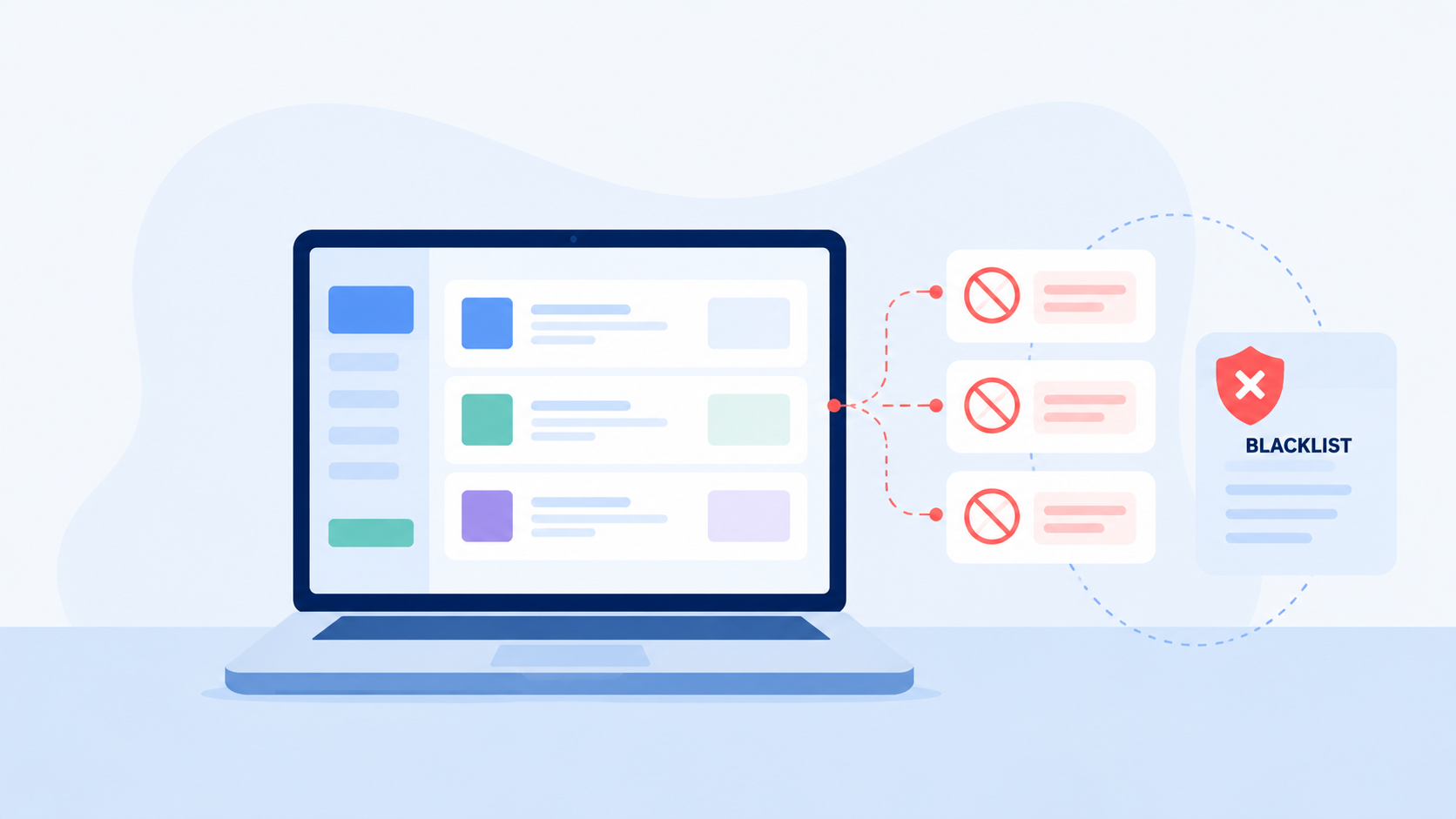
Email blacklisting can occur for several reasons, but it’s important to understand where the issue originates and how BulkMail’s systems operate to prevent it.
This FAQ explains why a domain or IP might appear on a blacklist, especially when using shared hosting, and clarifies how BulkMail ensures campaign emails are sent securely and independently of your own hosting environment.
What does it mean when my domain or IP is blacklisted?
When an email or IP address is blacklisted, it means it has been flagged by a spam monitoring service due to suspicious or unwanted sending behaviour. This can negatively affect the delivery of your emails — for example, messages may go to spam folders or be blocked completely.
Most blacklisting incidents occur because of poor sending practices or compromised servers on a shared hosting network, not because of emails sent through BulkMail.
Blacklisting occurs when a domain or IP address is flagged by spam monitoring systems due to patterns of unsolicited or suspicious email activity. Once listed, mail servers may automatically reject or quarantine messages from that source until its reputation is restored.
Why does this happen on shared hosting?
If your website and email accounts are hosted on a shared hosting server, you share the same IP address with many other users. If even one of those users sends spam or has an insecure script that gets exploited, the entire server IP can end up on a blacklist.
This means that even though you personally follow best practices, your domain reputation suffers because it’s associated with a compromised IP.
This situation affects your own hosted email (e.g., [email protected]), but not the campaigns sent through BulkMail.
Does this mean BulkMail caused my domain to be blacklisted?
No — BulkMail does not use your domain or IP address to send out campaigns. Each account on our platform is automatically assigned a dedicated subdomain for sending (e.g. ms-fegd-5dgef.bulkmailapp.co.za), which keeps your campaign traffic completely separate from your website and mail hosting.
When your campaign is sent, it goes through BulkMail’s managed sending network, not through your own servers or domain. Therefore, if you see that your domain or IP is listed on a blacklist (e.g. on MXToolbox), it indicates a problem with your own mail server or hosting provider, not with BulkMail.
Modern email delivery systems separate marketing traffic from local domain mail using dedicated subdomains and IP pools. This method, aligned with POPIA and global deliverability standards, isolates campaign sending reputations and prevents cross-contamination between user networks.
How does BulkMail protect my campaigns from blacklisting?
BulkMail actively monitors the health of its sending infrastructure. Each account is assigned a subdomain and a dedicated IP pool which is continuously checked for deliverability and reputation.
If an IP in our pool is flagged or underperforms, our system automatically removes or isolates it until it’s verified and resolved. This process ensures your campaigns are always sent from clean, verified IPs with optimal deliverability to South African inboxes.
You can verify the sending status of each campaign within your Campaign Reports page — if it shows as clean, your campaign was delivered using a healthy IP.
My domain is listed on a blacklist — what should I do?
If your domain (e.g. example.co.za) or mail server IP appears on a blacklist, you should contact your web hosting or email provider directly. They are responsible for managing your domain’s outbound mail servers.
Steps you can take:
Check your domain’s health using tools such as:
- Identify the blacklisted IP address — it will usually belong to your hosting provider.
- Report the issue to your hosting company and request they delist or replace the affected IP.
- Ask about a dedicated IP for your domain if available, to prevent future issues from other users on shared servers.
Remember: BulkMail cannot remove or influence blacklisting on external hosting servers. Your campaigns remain unaffected as they are routed through our own secure network.
Why don’t these issues happen with Google Workspace or Microsoft 365?
Platforms such as Google Workspace and Microsoft 365 use highly controlled, dedicated infrastructures with strict outbound mail policies. Their servers are rarely blacklisted because each account’s sending is authenticated, monitored, and separated from unknown users.
Shared hosting environments, however, are often cheaper but riskier — they host hundreds of unrelated domains on the same IP. This increases the chance of one user’s activity damaging everyone else’s sender reputation.
How can I avoid blacklisting in the future?
To maintain a healthy domain reputation:
- Use reputable email hosting (Google Workspace, Microsoft 365, or a managed dedicated server).
- Keep your CMS, plugins, and scripts updated to prevent exploits.
- Enable SPF, DKIM, and DMARC on your domain to authenticate outgoing emails.
- Avoid using your own hosting server for bulk or automated email — always use dedicated tools like BulkMail.
- Regularly check your domain/IP reputation using monitoring tools.
How does this affect my BulkMail campaigns?
Your BulkMail deliverability remains unaffected even if your domain’s IP is blacklisted. Campaigns are sent using our dedicated subdomains and IP pools, independent of your hosting environment.
However, if your domain is blacklisted, it may still affect:
- Emails you send directly from your own inbox (e.g. Outlook or webmail).
- Domain-linked assets (e.g. tracking pixels or links) if security scanners flag your domain.
For that reason, it’s good practice to ensure your own domain’s reputation stays clean, even though your campaign delivery remains secure through BulkMail.
Quick Summary
| Scenario | Affected System | Who Can Fix It |
|---|---|---|
| BulkMail campaign delivery | BulkMail subdomain & IPs | BulkMail automatically handles this |
| Your personal email (e.g. Outlook, shared hosting) | Your hosting IP / domain | Your web host or IT provider |
| Domain shown on blacklist (e.g. mxtoolbox.com) | Shared server reputation issue | Your hosting provider must resolve |
Need Help?
If you’re uncertain whether the issue relates to your hosting or campaign delivery, contact our support team with the Campaign Report link. We’ll confirm whether your campaign was sent via a verified IP and advise on next steps to restore your domain reputation.