
Cold Email vs Permission-Based Email Marketing - A Guide for South African Businesses
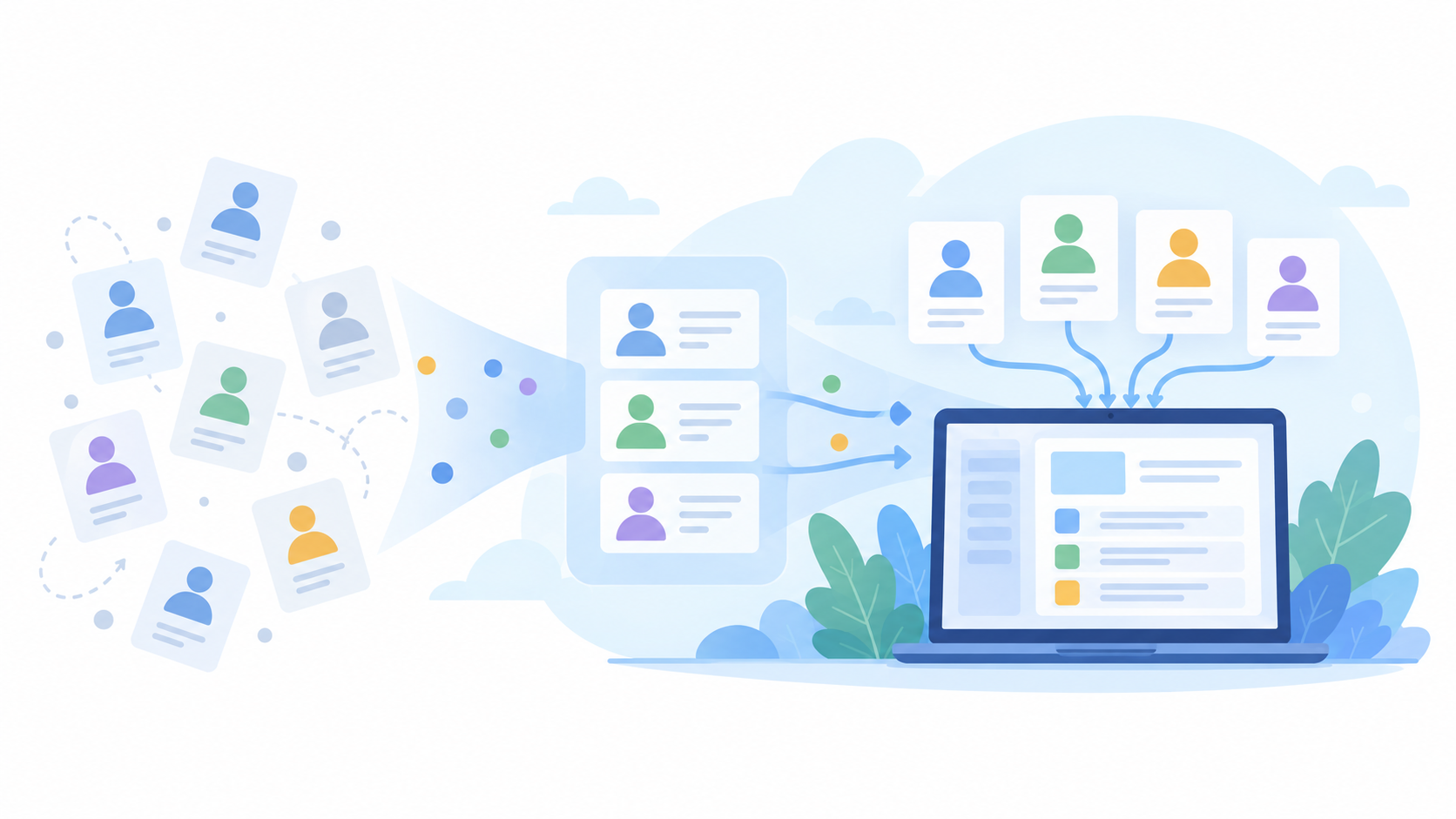
Growing your South African business through email starts with more than finding addresses. It starts with building an audience that has chosen to hear from you.
When you are looking for new customers or clients, a ready-made database or a cold-email sequence can seem like a convenient starting point. Before writing your subject line or planning follow-ups, however, ask a more important question:
What permission do we have to send these people marketing emails?
This guide explains the difference between cold email and permission-based email marketing, what to check before importing contacts into BulkMail, and how to turn genuine interest into an engaged email audience.
What is the difference between cold email and permission-based marketing?
For this guide, cold email means an unsolicited introductory or sales email sent to someone who has not requested it or subscribed to marketing from the sender.
Permission-based email marketing means sending relevant messages to people who have actively agreed to receive that type of communication from your organisation. That permission should be specific: someone needs to understand what they are signing up for, rather than simply handing over an email address. The distinction is not whether the recipient has already bought something.
A prospective client who subscribes to your newsletter can belong to a permission-based audience. An address copied from a business website does not become a subscriber simply because the company looks like a suitable prospect.
Likewise, personalising an email with someone’s name does not establish permission.
Relevance answers “Would this person find our message useful?” Permission answers “Have they agreed to receive it?” Your campaign needs both.
Can you send cold email campaigns through BulkMail?
BulkMail is a permission-based email marketing service, not a platform for sending campaigns to unsolicited prospect lists.
Our Anti-Spam Policy requires prior, informed, specific and unambiguous permission to receive promotional material from the sender. It excludes purchased, rented, third-party and harvested lists, including addresses copied from websites. A supplier’s claim that a database is “opted in” does not replace permission given specifically to your organisation.
Before importing a list, you should therefore be able to explain where the contacts came from, what they agreed to receive and how that agreement was recorded.
Email verification checks address quality. It does not create marketing permission. Treat these as separate checks, not interchangeable steps.
What does POPIA mean for email marketing in South Africa?
South Africa’s Protection of Personal Information Act, commonly known as POPIA, should be part of your campaign planning—not something considered only after a complaint.
Consent and the existing-customer exception
Section 69 generally requires consent for electronic direct marketing, subject to a qualified existing-customer exception.
That exception involves contact details obtained during a sale, marketing your organisation’s own similar products or services, and giving the customer a reasonable, free opportunity to object when the details are collected and in each marketing communication. An existing business relationship is not unrestricted permission to send any promotion.
A consent request is not a sales sequence
Where consent is required and has not previously been withheld, section 69 permits one approach to request consent, subject to the applicable requirements.
This is not permission to send an initial sales pitch followed by repeated reminders. Silence does not mean consent.
The legal provision also does not override BulkMail’s permission-based sending policy. Do not upload an unconsented list to run a permission-request campaign through the platform.
Business-to-business marketing still needs care
POPIA protects personal information relating to individuals and juristic persons, including companies. Do not assume that emailing a business address automatically removes your compliance obligations.
This article provides general guidance, not legal advice. Obtain advice on your circumstances before relying on a legal exception.
What should you check before importing contacts?
Review the contacts you already hold before adding more.
For documented subscribers, check that the proposed campaign matches what they signed up to receive and that they have not subsequently opted out.
For enquiries, customer records and other business contacts, distinguish the original interaction from a newsletter subscription. Someone asking for a quotation has requested a response to that enquiry; do not treat this as an automatic subscription to ongoing promotional campaigns.
For contacts with unclear origins or missing permission records, pause the marketing import. Establish what evidence exists rather than assuming that an old spreadsheet, business card or previous email conversation is sufficient. BulkMail’s permission requirements apply to externally collected and imported data as well as contacts captured through the platform.
Do not use a marketing blast to resolve uncertainty about whether people should receive marketing in the first place.
Three practical ways to build a permission-based email list
1. Give South African businesses a useful reason to subscribe
Start with a problem your audience recognises.
For example, a bookkeeping practice serving South African small businesses could publish a website article about organising monthly business records. Alongside the article, it could invite readers to subscribe to a monthly newsletter with bookkeeping tips and information about its services.
Repurpose a useful extract into a LinkedIn post for local business owners and financial decision-makers. A Facebook post aimed specifically at South African business owners can point to the same article and optional newsletter sign-up.
This creates a straightforward, low-cost route:
Useful website content → relevant business visitors → a clear newsletter invitation.
The objective is not simply to collect more addresses. It is to attract people with a reason to remain subscribed.
2. Make the sign-up choice clear
Tell visitors who will email them, what they will receive and how often you plan to send it.
For a newsletter choice on an enquiry or download form, use a separate, unticked marketing checkbox. Do not make acceptance of a general privacy notice stand in for a specific newsletter subscription. BulkMail’s permission guidance emphasises clear wording and an active choice by the subscriber.
For the bookkeeping example, suitable starting wording could be:
I would like to receive [Company Name]’s monthly email newsletter with bookkeeping tips for South African small businesses and information about its bookkeeping services. I can unsubscribe at any time.
Place the choice alongside an accessible privacy notice. Adapt the wording to your actual organisation, content and sending frequency; it is an example, not a complete legal form.
Where a resource is available without a newsletter subscription, keep that distinction clear. Deliver the requested resource without silently enrolling the reader in additional marketing.
BulkMail supports Landing Pages and Embedded Forms for capturing details and creating or updating User records.
3. Record permission and confirm sign-ups
Keep evidence of the subscription, including the source, date and wording the person agreed to.
When BulkMail’s marketing consent controls are used, the platform records details including the consent text, date and time, email address and associated technical information. This is more useful than a spreadsheet column that simply says “consent: yes” without supporting evidence.
Consider double opt-in for new sign-ups. This asks the subscriber to confirm their email address by clicking a link in a confirmation message. BulkMail’s Double Opt-in Workflow Action prevents the Workflow from continuing beyond that point until the confirmation link is clicked.
Use this to confirm a subscription someone has initiated—not to turn an unsolicited database into a permission-based list.
How should you follow up with subscribers?
Plan follow-ups around the relationship the person has chosen, rather than a fixed number of attempts to obtain a response.
Using the bookkeeping practice as an illustrative example:
| Stage | Appropriate communication |
|---|---|
| A business owner subscribes | Confirm the subscription where double opt-in is used, then send a brief welcome explaining what to expect. |
| The next newsletter is due | Share a practical bookkeeping tip or checklist, with one relevant action such as reading the full guide. |
| The subscriber asks about services | Respond to the specific enquiry and provide the information requested. Do not automatically enrol them in unrelated campaigns. |
A monthly newsletter promise should not quietly become several sales emails each week.
For each campaign, focus on one useful purpose. A newsletter might explain a problem, share a practical example and invite readers to view a guide. A response to an explicit service enquiry might instead provide details and offer a discussion.
Keep the message concise enough to read comfortably, but do not force every email into an arbitrary word limit.
Use automation without losing control of permission
BulkMail Workflows support conditions for email preferences and sending frequency. Configure these deliberately so that marketing emails respect the recipient’s current preferences, including after a delay in a sequence.
Test the subscription and unsubscribe paths before making a Workflow active. A person who withdraws permission should not continue receiving marketing simply because they entered a sequence earlier.
Protect deliverability before increasing volume
Permission is the starting point, but your technical setup and sending practices still matter.
Authenticate your sending domain. Work with your domain administrator or support team to configure SPF, DKIM and DMARC appropriately. These help receiving systems assess the legitimacy of your emails, but they do not guarantee inbox placement. Google’s sender guidance recommends these authentication methods and makes clear that messages from email providers are not guaranteed to pass its spam filters.
Increase sending carefully. Do not assume that a fixed two-week “warm-up” makes a domain ready for any campaign size. Build volume gradually with engaged subscribers and monitor delivery responses and recipient feedback. Google’s guidance ties volume increases to sending patterns and feedback, rather than a universal timetable.
Maintain your list. Review delivery failures, complaints and inactive contacts. Keep suppression records effective so that future imports do not undo previous opt-outs. BulkMail’s list-management guidance explains its auto-cleansing and suppression options.
For readers accessing email on mobile, use short paragraphs, readable text and a clear call to action. Keep images lightweight and place the essential message in text rather than relying on one large image.
Make leaving the list straightforward
Include a clearly visible, working unsubscribe link in every marketing newsletter.
Identify your organisation clearly and include the sender information required by BulkMail’s policy, including a legitimate postal address. Honour opt-outs promptly rather than treating them as an opportunity for another sales message.
Where subscribers receive several types of communication, a Preference Centre can let them choose their interests or opt out. It should support their choices, not make leaving unnecessarily difficult. BulkMail’s Forms documentation includes Preference Centres and Opt-out Pages for these purposes.
Measure list growth and delivery health—not just opens
For a South African SME, use three questions to evaluate progress.
Is our permission-based audience growing? Track new opted-in subscribers by source, alongside unsubscribes and suppressed addresses. Compare the number of active, sendable subscribers at the beginning and end of each month. A clean-up may reduce the total temporarily; do not treat retaining unsuitable contacts as growth.
Are our campaigns reaching recipients reliably? Review delivery failures and spam complaints, and investigate unusual changes before increasing volume. An open-rate report alone is not a reliable test of deliverability; Google cautions against treating low opens as definitive evidence of delivery or spam-classification problems.
Are subscribers taking useful actions? Measure the outcome you intended: guide visits, relevant enquiries, quotation requests or purchases. Separate positive responses from unsubscribe requests and automatic replies.
Test one meaningful change at a time, such as the subject line, call to action or sending time. For local campaigns, schedule with your South African audience’s working patterns in mind rather than copying a supposedly universal “optimal” window.
Build the audience before optimising the campaign
Before planning more emails, strengthen the route by which people join your list.
Start with one useful website article, one clear subscription form and one newsletter you can send consistently. Record permission, respect preferences and use each campaign to give subscribers a reason to stay.
The aim is not to turn every available address into a recipient. It is to turn genuine interest into an ongoing business relationship.
For practical email marketing tips, campaign ideas and platform updates from our South African team, subscribe to the BulkMail newsletter.