
How to Creating an Email Campaign Template: A Step-by-Step Guide
Creating a well-designed email campaign template is essential to engage your audience, maintain brand consistency, and improve email performance. Whether you're starting from scratch or leveraging past successes, our system offers five straightforward methods to suit your level of expertise and campaign needs.
Option 1: Code Editor
The Code Editor is designed for users who are comfortable working directly with HTML and CSS. This method provides full control and flexibility, allowing you to:
- Create a fully custom email layout tailored to your brand
- Insert your own HTML structure and styling
- Upload and embed images, links, and custom scripts
- Fine-tune every visual and functional aspect of your email
This option is ideal if you want pixel-perfect control or need to replicate advanced designs already in use.
Option 2: Drag & Drop Editor
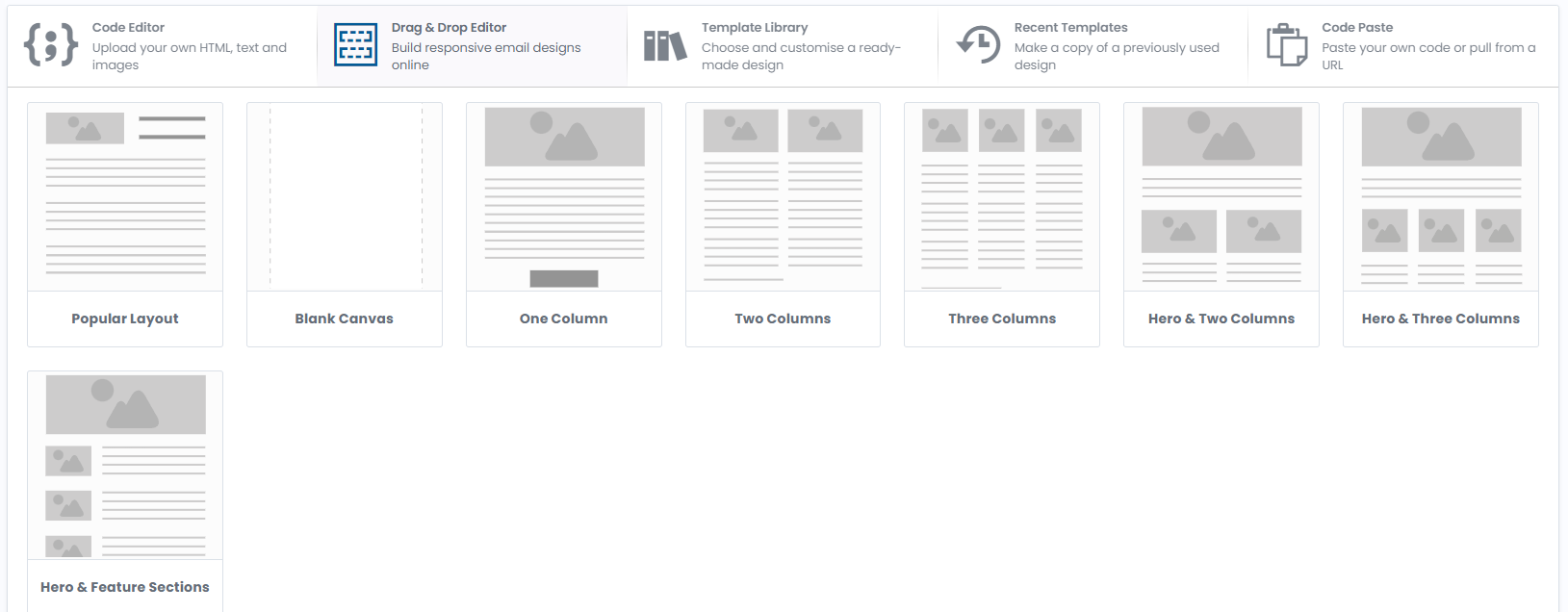
The Drag & Drop Editor offers a visual, code-free way to build responsive email templates with ease. You simply:
- Drag elements (text blocks, images, buttons, dividers, etc.) into your layout
- Modify styles like fonts, colours, backgrounds, and padding
- Reorder and customise sections for mobile-friendly design
This option is perfect for users who want a quick, intuitive solution without sacrificing professionalism or responsiveness.
Option 3: Template Library
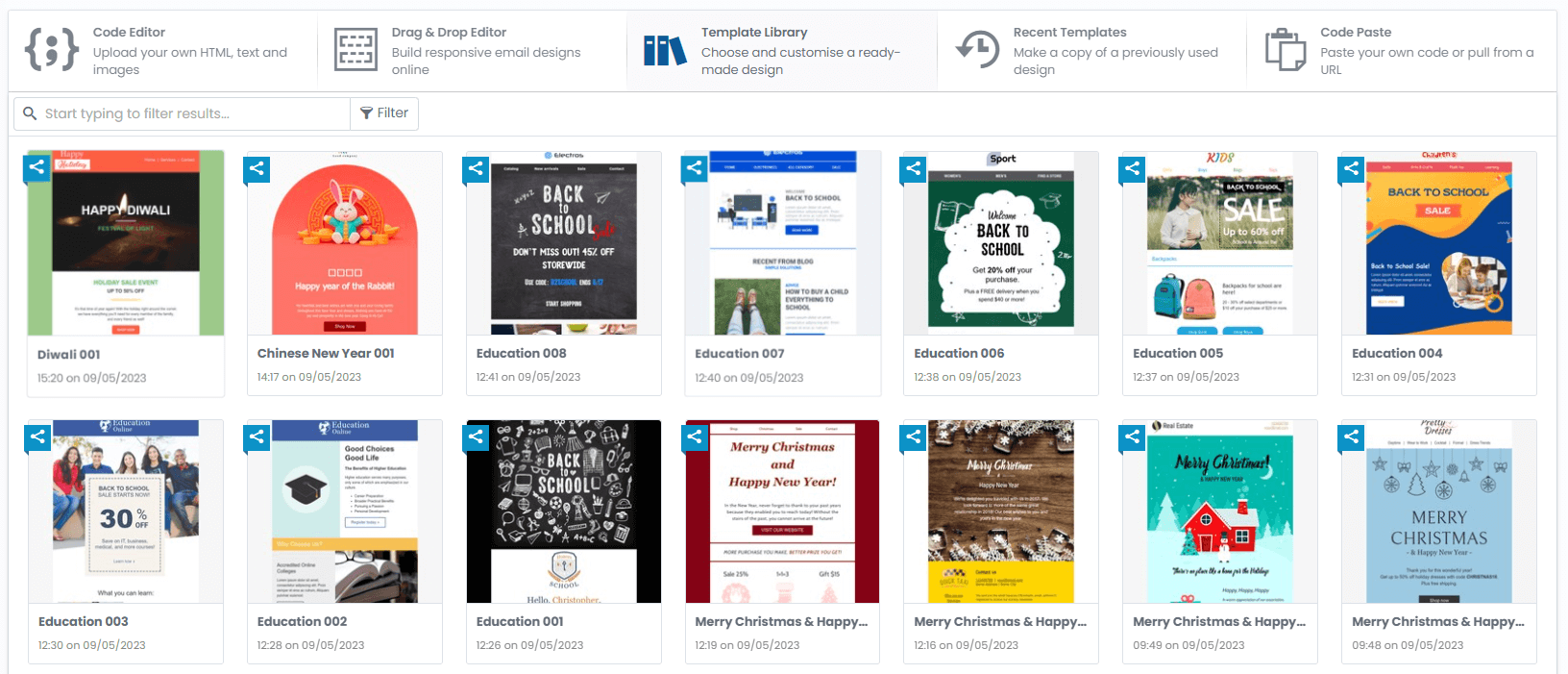
The Template Library provides access to over 200 pre-designed, professionally built templates to help you get started quickly.
- Browse templates by industry, theme, or campaign type
- Select a design that aligns with your message
- Customise colours, content, and images to reflect your brand
It’s a fast and convenient solution for businesses that want polished designs with minimal effort.
Option 4: Recent Templates
The Recent Templates feature allows you to reuse previously sent designs with just a few clicks.
- View a list of your most recently used templates
- Select a past design that worked well
- Copy and update it with new content and imagery for your next campaign
This option helps maintain consistency across campaigns while saving time on layout and formatting.
Option 5: Code Paste
The Code Paste method is for advanced users who already have a pre-built HTML email template.
- Paste your HTML code directly into the editor
- Alternatively, pull code from a hosted URL
- Make any necessary tweaks or additions once imported
This option is best if you collaborate with external developers or use third-party email design tools.
Further notes
Designing your email campaign template is the foundation of successful communication. With multiple flexible options available — Code Editor, Drag & Drop, Template Library, Recent Templates, and Code Paste — you can create, customise, and reuse templates that align with your brand and objectives. Whether you're a beginner or a seasoned email marketer, our system empowers you to build emails that deliver results.